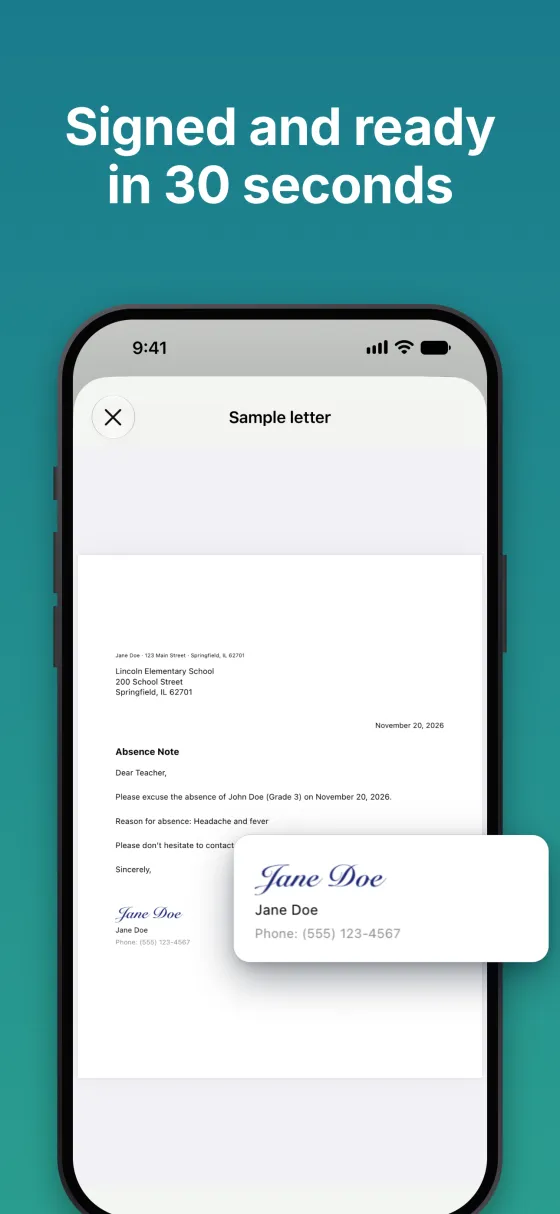
Absence Note
Dear Teacher, Please excuse the absence of __________ __________ (__________) __________ due to a doctor’s appointment. Please don’t hesitate to contact us if you have any questions. Kind regards,
Write a note for when your child leaves school early or arrives late – “Afternoon” is already selected, and you can add a pickup time in the finished letter.


Dear Teacher, Please excuse the absence of __________ __________ (__________) __________ due to a doctor’s appointment. Please don’t hesitate to contact us if you have any questions. Kind regards,
The app for iPhone, iPad, and Android
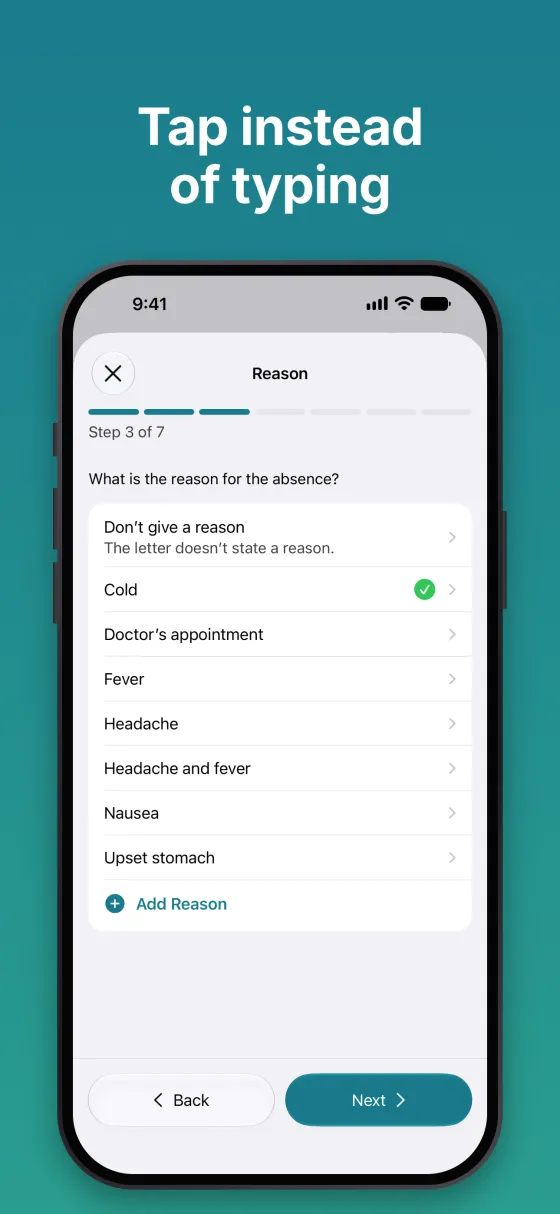
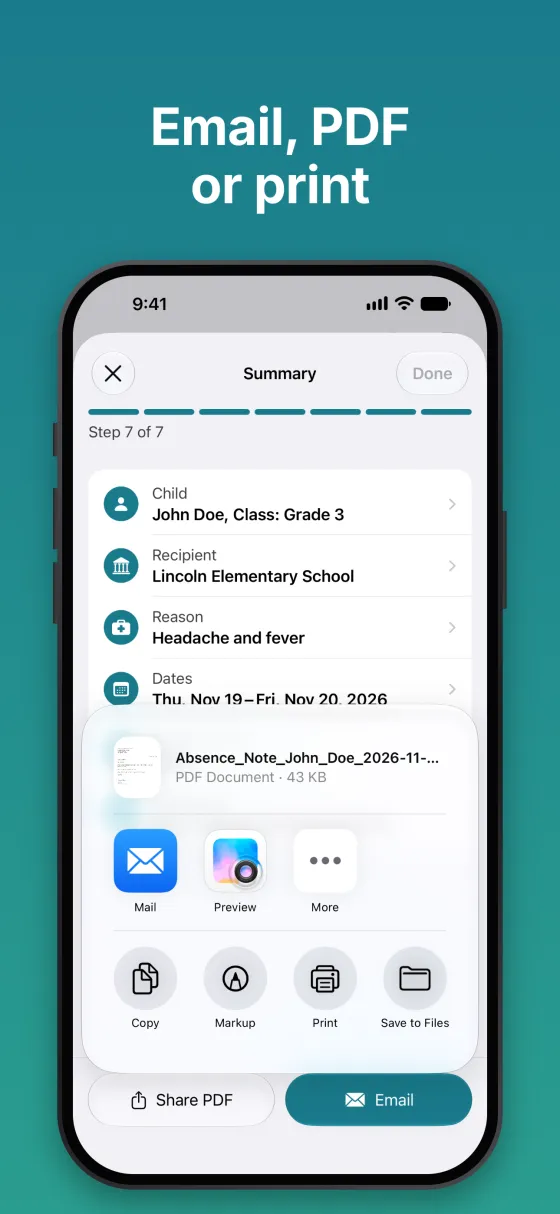
With Excuso you set up your children, the school and your signature once. After that you only pick the child, date and reason – the signed letter is ready straight away.
Your first three notes are free. After that, a one-time purchase unlocks the full version for good – no subscription.


Yes, with a note or after letting the school know. Tell the teacher or the front office in advance, and sign your child out at the office when you arrive.
In the finished letter, not in the reason: write it in by hand after printing, or add it to the email before you send it, for example “I will pick her up at 11:30 a.m.” Under “Time of day”, choose “Afternoon” for leaving early and “Morning” for arriving late.
Usually a parent or a person on the school’s list of emergency contacts, often with a photo ID. If someone else is coming, say so in the note.
Before the absence, if you know about it in advance – ideally the day before, or at the latest that morning. That way the teacher knows when your child will leave class.
Often, if there is a reason such as a doctor’s appointment: many schools excuse a late arrival with a parent’s note or an appointment card. Without a note, it usually counts as an unexcused tardy.
If in doubt, your school’s attendance policy applies.
Write to me directly. I develop Excuso myself and reply personally.
Send an email