Absence Note
Dear Teacher, Please excuse the absence of __________ __________ (__________) __________. Reason for absence: __________ Please don’t hesitate to contact us if you have any questions. Kind regards,
Enter who was absent and when. You get a finished letter to download, print or email to the school.
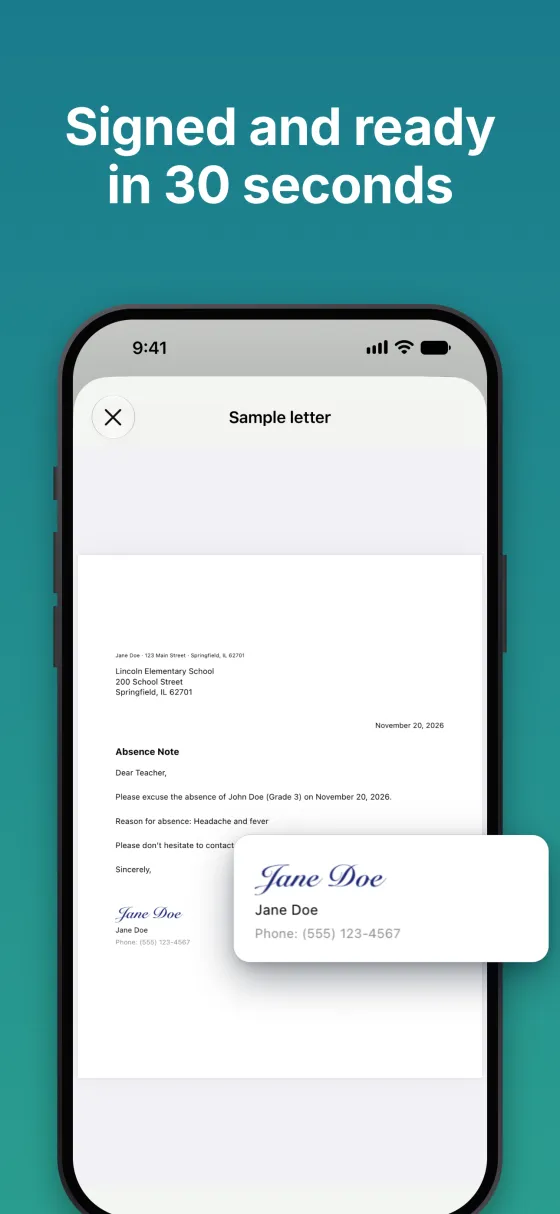
Dear Teacher, Please excuse the absence of __________ __________ (__________) __________. Reason for absence: __________ Please don’t hesitate to contact us if you have any questions. Kind regards,
The app for iPhone and iPad
With Excuso you set up your children, the school and your signature once. After that you only pick the child, date and reason – the signed letter is ready straight away.
Your first three notes are free. After that, a one-time purchase unlocks the full version for good – no subscription.

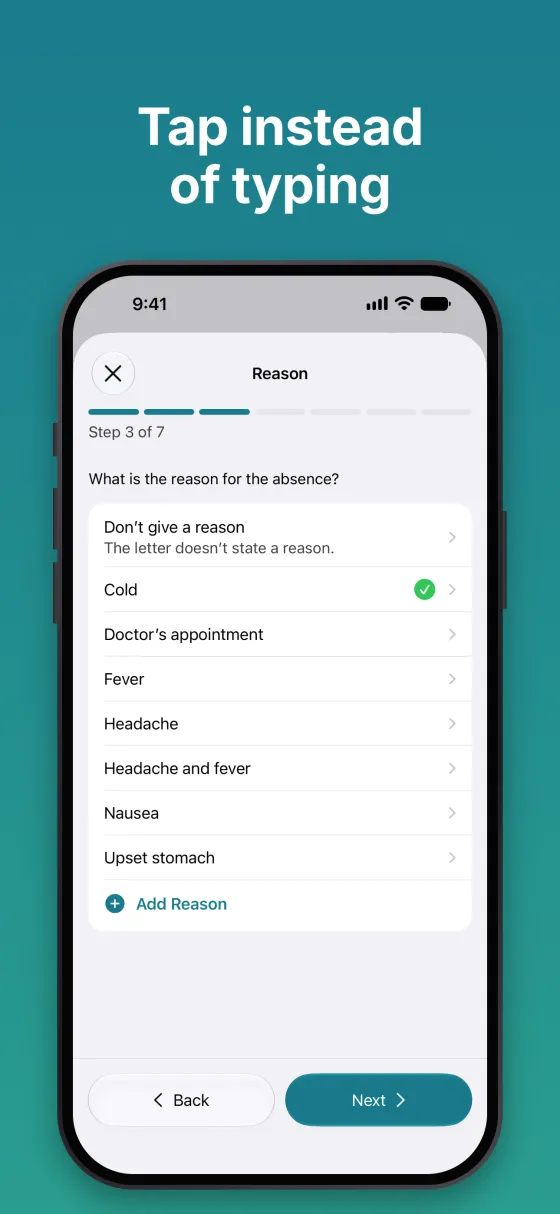
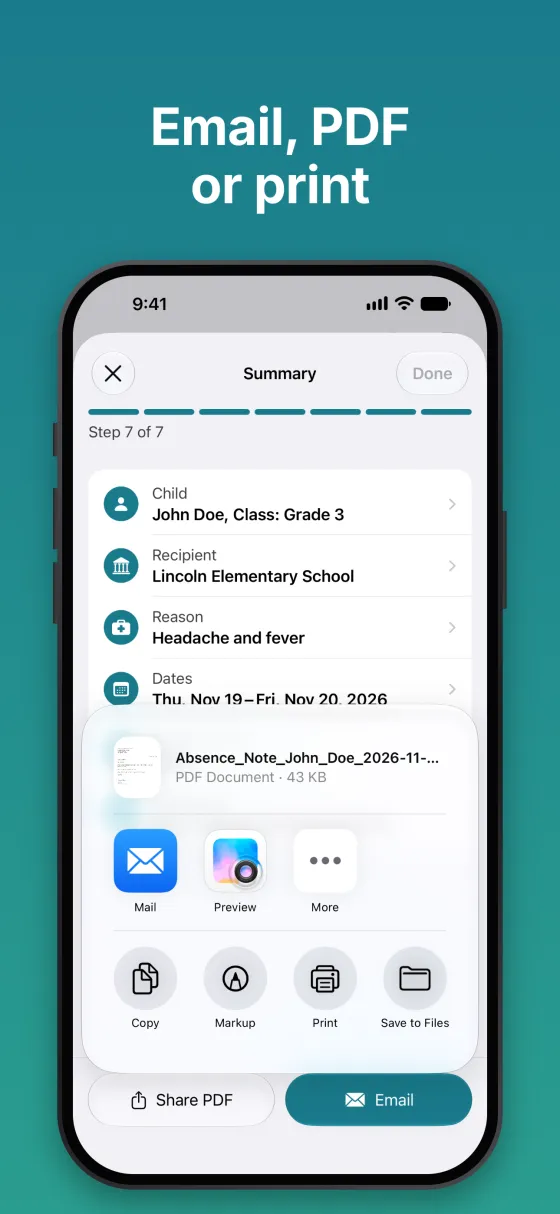
Your child’s full name and class or grade, the day or dates of the absence, the reason if you want to give one, and a parent’s signature. The generator puts everything in the right place.
Many schools accept an email, some want a signed letter. “Open email” puts the text into your email app, “Download PDF” gives you the letter to attach or print.
That depends on your school’s attendance policy. If you’d rather not give one, choose “Don’t give a reason” and the line is left out.
Nothing leaves your device: the letter is created in your browser. We don’t store or send anything you enter.